




Smart TV (Samsung or LG)
Works with: Buzz Stream Kaelus TV Plus
On Samsung (Tizen) and LG (webOS) we use the IPTV Smarters Pro app.
- 1 Open your TV's app store.
- 2 Search for and install IPTV Smarters Pro by developer WHMCS Smarters (it's free).
- 3 Open it.
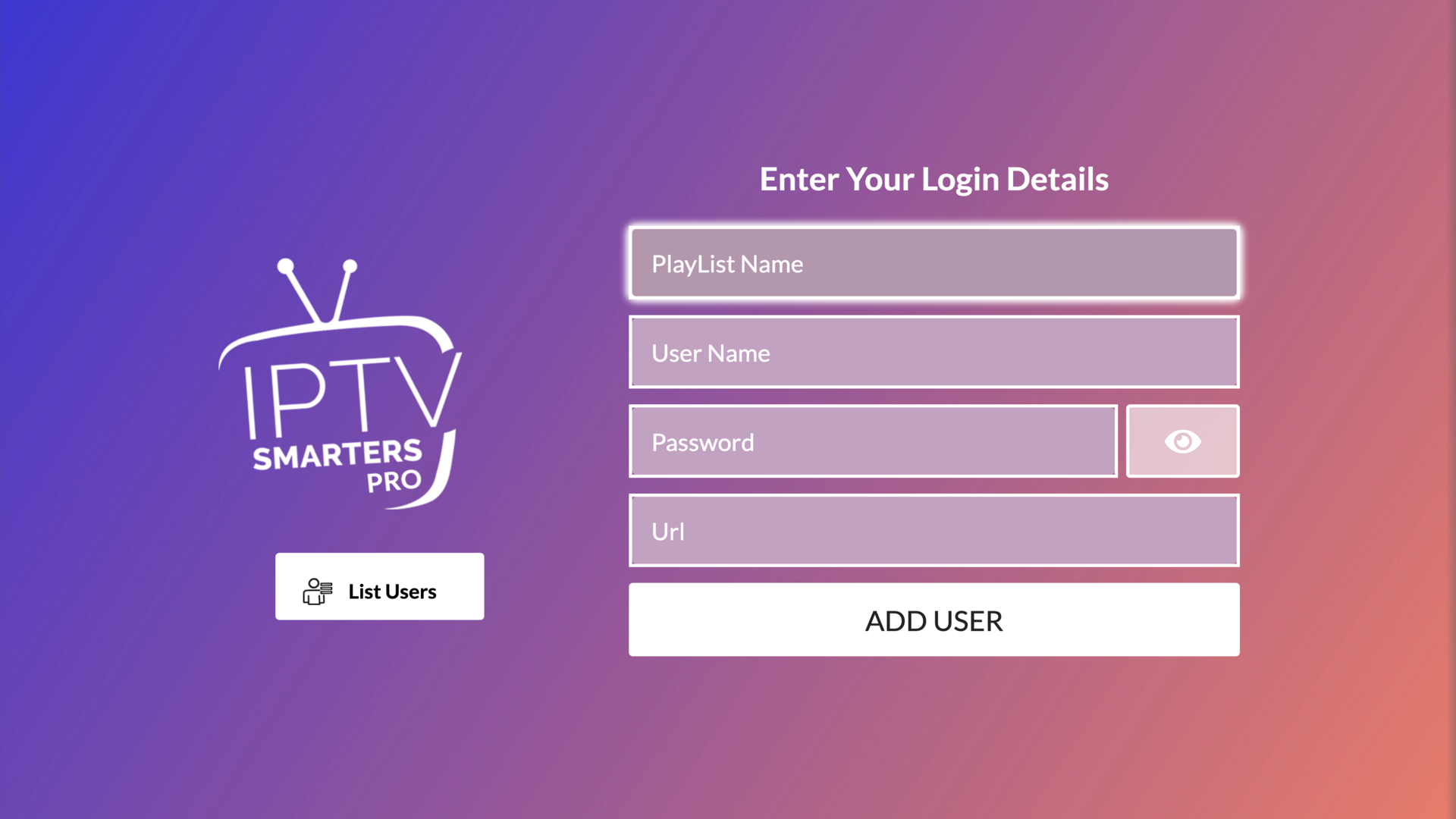
- 4 In the "PlayList Name" field, type the name of your service: Buzz Stream or Kaelus, whichever one you are activating.
- 5 Enter the username, password, and server URL we sent you on WhatsApp.
- 6 Select "Add User".
- 7 Done! You can now enjoy your content.
Make sure you install the right app (the free one)
There are lookalike apps that are paid. The right one must have exactly: this name, this icon, developer WHMCS Smarters, and, once opened, the screen below. If anything looks different, it's another app and it's paid.
-
 On LG: IPTV Smarters Pro
 -
 On Samsung: IPTV Smarters Pro